Can You Have Two Wireless Routers in One House on Different Networks?
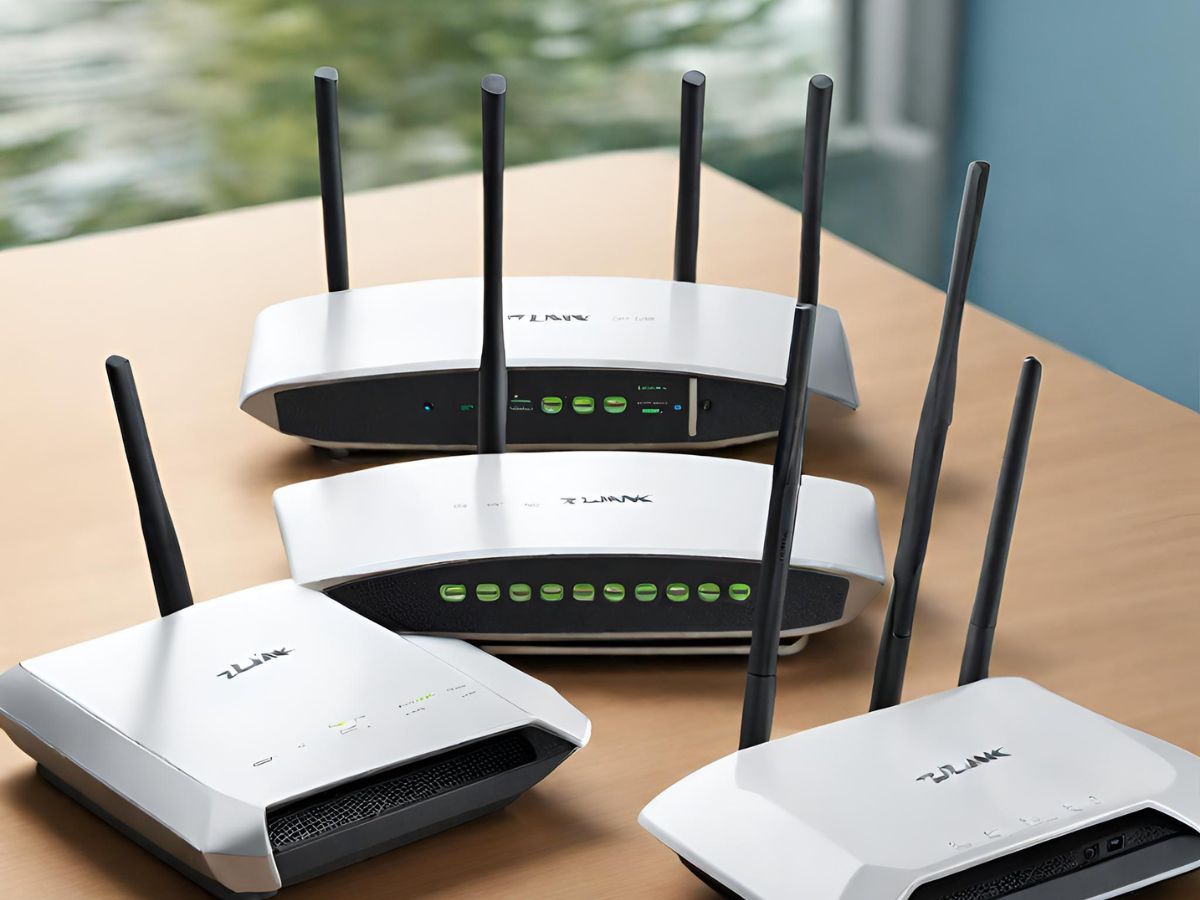
Yes, you can have two wireless routers in one house on different networks. You would need to set up each router with a unique name and password in order to distinguish them from each other
Have you ever wanted to have two wireless routers in your house but were unsure if it was possible? Can you put one router in the living room and another in the bedroom and be able to use both networks independently, or will they conflict with each other?
In this post, we’ll take a look at what’s involved in setting up two wireless routers in one house, and whether it’s possible to use them both at the same time.
Can you have two wireless routers in one house on different networks
Yes, you can have two wireless routers in one house on different networks. You would need to set up each router with a unique name and password in order to distinguish them from each other.
You could then connect your devices to the router that is best suited for your needs. For example, if you want to use the router for gaming, you might want to connect it to the 5GHz band so that you can get better performance.
If you just want to use the router for basic web browsing and streaming video, then connecting to the 2.4GHz band might be more suitable.
Related Articles
How to Set up Wi-Fi in a New Apartment
When looking for a new internet service provider for your new apartment, availability is the primary factor.
Read moreBest Wireless Routers for Penetrating Concrete Walls
The TP-Link Archer AXE75 excelled in my concrete penetration tests and also posted some of the fastest speeds I've seen from a consumer WiFi router.
Read moreHow to Extend WiFi to Detached Garage
Wi-Fi extenders, also known as repeaters, are one of the simplest solutions for getting WiFi into your detached garage.
Read more